
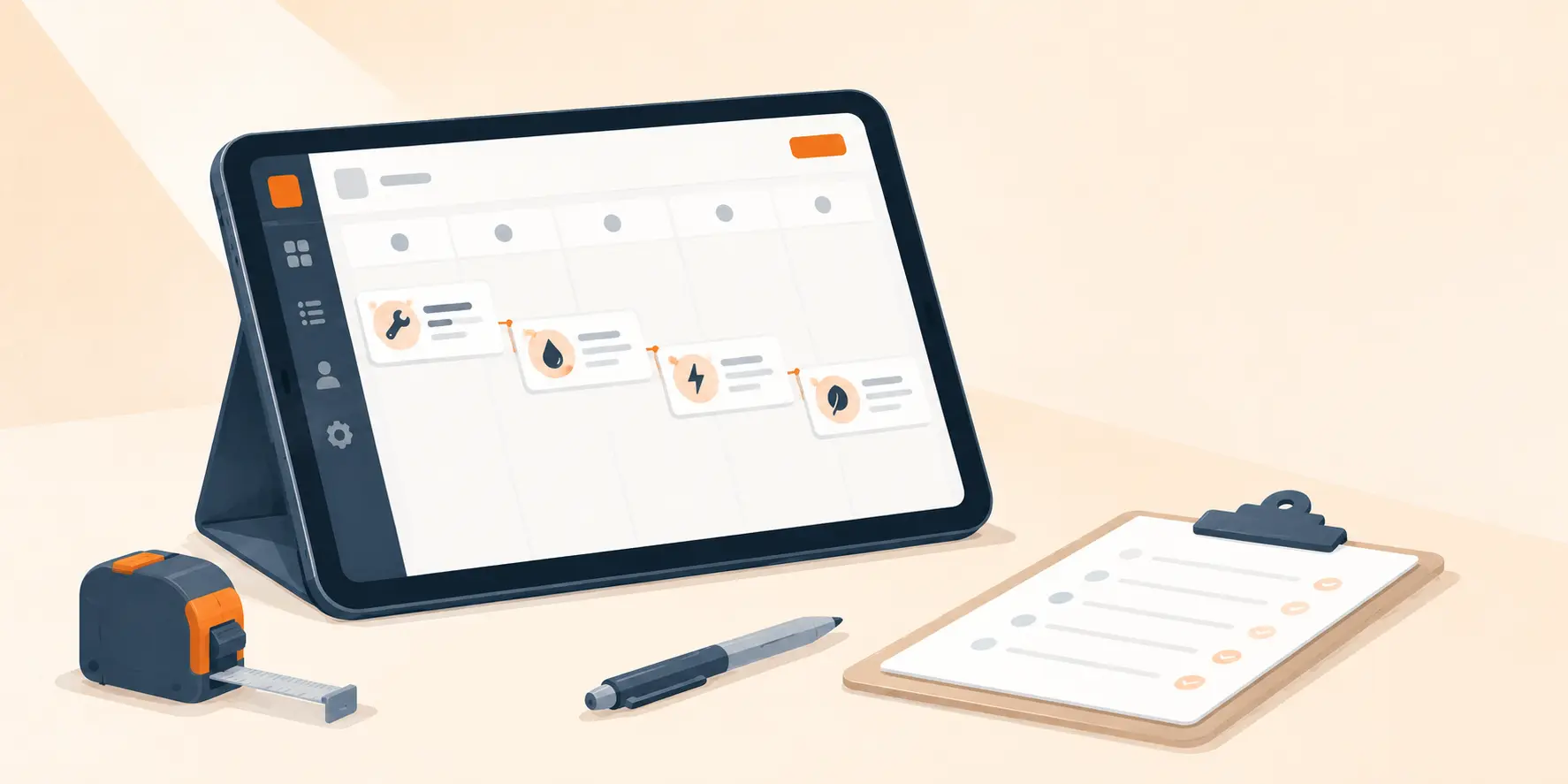
Many field service jobs span multiple visits. An electrical panel upgrade needs rough-in, inspection, and final hookup. An HVAC install needs equipment delivery, installation, and commissioning. A roofing project might stretch across tear-off, underlayment, and shingle days.
The work runs in order. The information usually does not. When each visit gets logged as its own unrelated job, the context falls apart. Technicians show up not knowing what happened last trip, dispatchers schedule around conflicts they cannot see, and the customer ends up with three confusing entries in their portal instead of one job.
The problem with treating each visit as a separate job
Most shops handle it the same way: spin up a new job for each visit, then try to tie them together by hand with naming conventions, notes, or a spreadsheet on the side. That workaround creates a few predictable problems.
- Context gets buried. Notes, photos, and checklist progress from Day 1 sit in a different job record than Day 2, so the next tech starts blind.
- You re-enter the same data. Customer info, location, and the job description get retyped into each new job, which invites typos and mismatches.
- Nobody sees the whole project. The dispatcher has to open several jobs to figure out where a multi-day project actually stands.
- The calendar misses conflicts. It has no idea the technician on Job #1042 is the same person needed for Job #1044 two days later.
- Invoicing splits apart. The customer gets multiple bills for what they think of as one project, which causes confusion and slows down payment.
None of these will sink you on its own. They stack up. A note missed on Day 1 wastes time on Day 2. A conflict nobody caught sends a technician to a site before the inspector has even been there. Small gaps in context turn into real delays and rework.
How multi-visit tracking works
One job holds multiple appointments. Each appointment has its own scheduled time, assigned technician, status, checklist, and notes, and they all share the same customer, location, estimate, and work order.
The job record becomes the single source of truth. Visit 3 knows exactly what happened in Visits 1 and 2 because they live on the same work order. Nobody is cross-referencing job numbers or digging through separate records to find the address or the approved estimate.
Where the scheduling benefits show up
Once visits sit under one job, a few things that used to take constant attention start to happen on their own.
Conflict detection across all visits
The system knows Tech A is on Day 2 of this job. If someone tries to put him on another job in the same window, it flags the conflict before it turns into a wasted trip.
Checklist continuity between visits
Each appointment has its own interactive checklist, but they all live under the same job. The technician on Day 2 can see what was checked off on Day 1, what comments were left, and what still needs attention.
Single invoice for the entire job
When the work runs across three visits, the customer gets one invoice covering the full scope. Nobody has to reconcile multiple bills or explain charges spread across separate work orders.
One coherent job in the customer portal
The customer logs in and sees one job with three appointments, each with a clear status, instead of three unrelated entries they have to piece together themselves.
Example: a residential electrical panel upgrade
Take a three-visit panel upgrade. Here is how it runs when every visit is part of one connected job.
Disconnect and rough-in
Tech A arrives, works through the disconnect checklist, pulls permits, and runs new conduit, snapping photos along the way. The appointment moves from Scheduled to In Progress to Completed, while the job itself stays In Progress.
City inspection
Scheduled two days later in a different window. If the dispatcher tries to book that slot for another job, the system flags it. The inspector signs off and the technician checks off the inspection items.
Final connection and testing
Tech A returns, since the system already has him assigned to this job. He reviews the Day 1 and Day 2 checklists, finishes the hookup, tests the circuits, and shoots post-work photos. The last appointment closes out and the job moves to Completed.
When the third visit wraps, the dispatcher marks the job finished and a single invoice covers all three visits. The customer opens their portal and sees one job with three completed appointments, not three disconnected entries to sort out on their own.
Connected visits, fewer errors
Scheduling errors in multi-visit work rarely come from carelessness. They come from scattered information. When each visit lives in its own job, the dispatcher has to rebuild the whole picture in their head every time they make a call on the schedule, and that is where things slip.
Connect the visits and the picture stays in front of you. The calendar shows every upcoming visit on the job, conflict detection covers every technician assignment across every visit, and checklists carry context from one appointment to the next. The customer sees one job from start to finish.
If your team runs work that takes more than one trip, this is the kind of structure that turns scheduling from guesswork into a process you can count on.