CompareServiceTitan
Scheduling, dispatch, estimates, invoices, and payments for a shop that does not have an implementation team. The price is printed and the setup is yours to do.
No credit card. No contract.
ServiceTitan is built for the biggest contractors in the country. Pillar is built for the shop that still answers its own phone.
Four steps, all of them yours to do. There is no step where somebody quotes you.
Email and password. Verify the address and the account is live, with every feature on it.
Upload your ServiceTitan export and the preset maps the fields. Roll it back and run it again if it lands wrong.
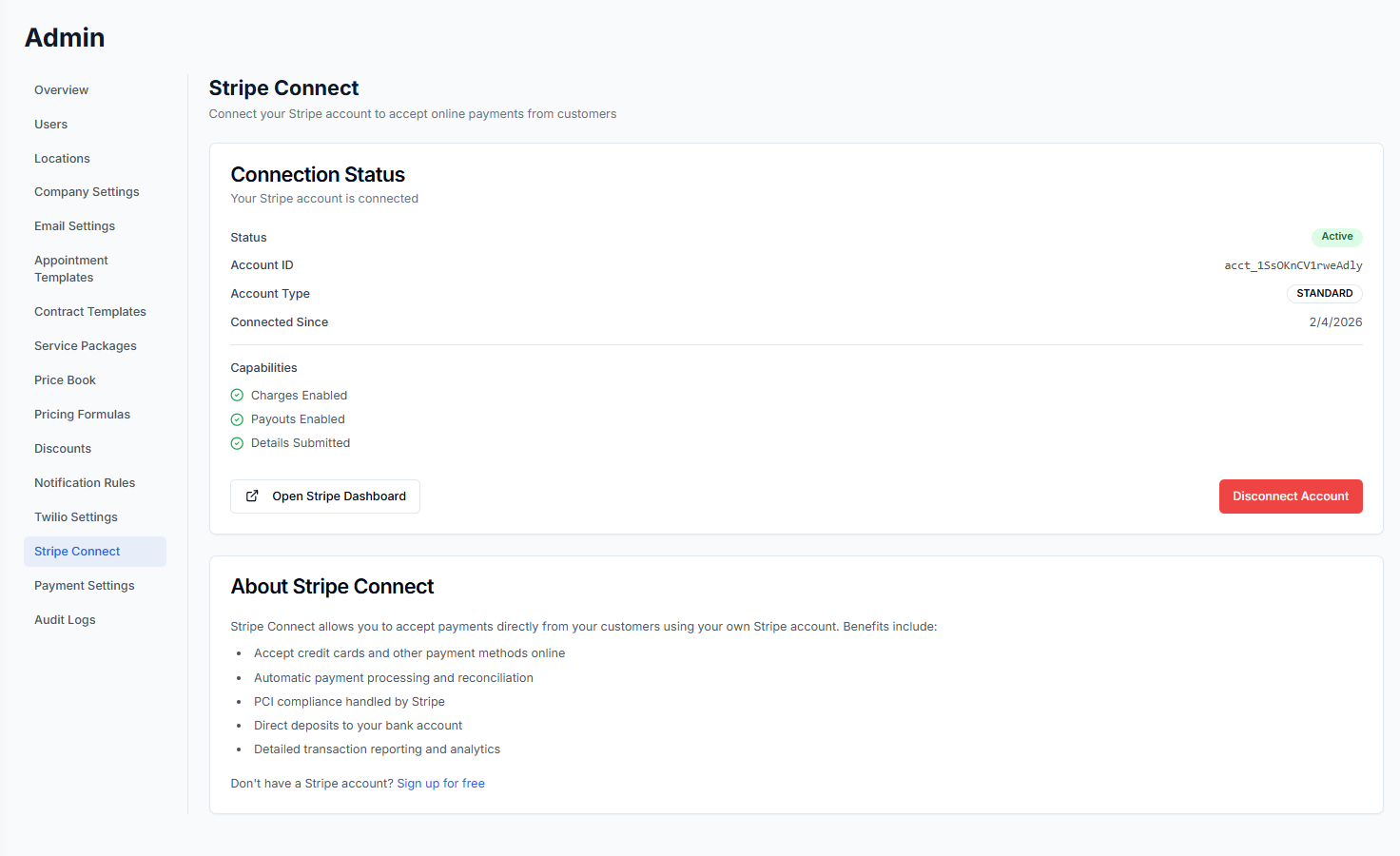
Switch on Stripe for card and bank payments and QuickBooks for two-way sync, both from the settings page.
Invite office staff and technicians at $39 a month each. Pillar shows the new monthly total before you confirm it.
Every feature is already switched on, so there is nothing to scope and nothing to phase.
One column is verified against what we charge. The other is yours to fill in, because ServiceTitan's prices are theirs to publish.
Swipe across for the write-in column.
| Line item | Pillar | ServiceTitanwrite in yours |
|---|---|---|
| Price to start | $0. One person, forever, no card. | What you pay this month |
| Each additional person | $39 a month for their login. Yours stays free. | What the next person costs you |
| Features behind a higher plan | None. Every feature is on for every account. | What you would pay to add the ones you want |
| Texting and calling | Prepaid credit at the carrier rates plus a markup. Every rate is printed on the pricing page. | What numbers and messages add to your bill |
| Limits while you are one person | 100 jobs, 100 estimates, and 100 invoices a month. The cap lifts on the second seat. | Your limits today |
| Customers you can hold | Unlimited, on every account. | Your contact limit |
| File storage | At least 25 GB, plus 25 GB for every paid person. | Your storage allowance |
| Contract | None. Month to month, cancel anytime. | Your renewal date and notice period |
| Setup fee | $0. Importing your data is free too. | What it cost you to start |
| Getting your data out | Everything exports to a spreadsheet, from every account. | Check before you need it |
Payments taken through Pillar carry Stripe’s standard processing fees on your own Stripe account, plus 1% to Pillar. Cash and checks cost nothing.
We do not print other companies’ numbers, because they change without notice. Every number in our column is verified against what we charge.
All four answers are on the bill in your inbox. Ours are in the table above and the note under it, already filled in.
Export from ServiceTitan, upload the file, and the ServiceTitan preset maps the fields for you. Everything else comes in from a CSV or Excel export on the same screen.
Anything you keep in a CSV or Excel file uploads the same way, on the same screen, 100,000 rows a file.
Imported service agreements start generating their visits right away, at no extra cost. Anything you keep outside ServiceTitan uploads on the same screen.
Also imports from Housecall Pro, Jobber, FieldEdge, ServiceM8, Workiz, Square, or any CSV or Excel spreadsheet.
Customers, jobs, and invoices come across with their history. The rest uploads as a spreadsheet.
One click rolls the whole import back. Start over clean.
Nothing. Importing is free, up to 100,000 rows a file.
Everything exports to a spreadsheet, anytime, from every account.
It covers scheduling, dispatch, estimates, invoices, and reporting, and you set it up yourself. One person runs free, and each additional person is $39 a month.
No. $0 for the first person and $39 a month for each one after, printed on the pricing page. Signing up does not put you in a queue for a call.
No setup fee and no onboarding fee. Importing your data is free, up to 100,000 rows a file.
Yes. The preset maps customers, jobs, estimates, invoices, equipment records, service agreements, and your price book. Anything else you keep in a spreadsheet uploads on the same screen.
Multi-location, subcontractors, projects, job dependencies, roles, and the audit log are already on your account. Growing costs $39 a month per person, and nothing switches on or off.
More pricing questions? Read the pricing FAQ → Or ask us something else.
Start free, import your customers, and see the whole thing before you talk to anybody.
No card. No contract. No sales call.