Pillar
Pillar
By Company Size

One person. One platform. Zero chaos.

You handle the work, the quotes, the invoices, and the follow-ups. Pillar puts all of it in one place so you can run your business from the job site instead of juggling spreadsheets and phone calls.

Mobile-First PWAOn-Site QuotingInvoicing & Payments50+ Trade Types

You already wear every hat. Your software should not add another one.

Most field service platforms are built for teams with dispatchers, office managers, and dedicated admin staff. When you are the entire company, you need tools that work differently.

Quoting from memory

Writing estimates on scratch paper or texting prices means details get lost and customers wait longer than they should.

Chasing payments

Hand-written invoices and checks slow you down. Following up on unpaid work takes time you could spend on the next job.

Scattered scheduling

A calendar app for appointments, a notebook for details, and your memory for the rest. Double-bookings happen.

No admin help

Every phone call, follow-up, and data entry task falls on you. Administrative work eats into billable hours.

Everything a solo operator actually needs

Scheduling, quoting, invoicing, customer records, and time tracking in one platform. Access it all from your phone.

On-Site Estimates

Build quotes at the job site using your price book. Customers approve with an e-signature on your phone. Convert approved estimates to jobs instantly.

Learn more

Invoicing & Payments

Send invoices and collect payment via Stripe right from the field. Customers pay online through a link -- no more chasing checks.

Learn more

Simple Scheduling

A visual calendar with your day, week, and month views. Drag appointments to reschedule and track appointment status as you work through the day.

Learn more

Customer Records

Keep contact details, service addresses, equipment on file, and full job history in one searchable place. Know your customer before you arrive.

Learn more

Time Tracking

Clock in and out per job. Track billable hours, drive time, and breaks for accurate labor cost visibility.

Learn more

Customer Portal

Give customers their own branded login to approve estimates, pay invoices, view job status, and request reschedules -- without calling you.

Learn more

Your day, simplified

From the morning schedule check to the end-of-day invoice, Pillar keeps you moving without switching between apps.

1
7:00 AM

Check your schedule

Open Pillar on your phone and see the full day laid out -- job addresses, customer details, and special instructions. No digging through texts or voicemails.

CalendarPWA
2
8:30 AM

Arrive and clock in

Tap to clock in when you arrive. Your time entry starts automatically. Open the job checklist and work through each step.

Time TrackingClock In/OutChecklists
3
10:00 AM

Quote additional work on the spot

Customer asks about extra work while you are there. Pull up your price book, build an estimate in a few taps, and have them sign on your screen.

EstimatesPrice BookE-Signature
4
11:00 AM

Complete the job and invoice

Mark the job complete, clock out, and send an invoice with a Stripe payment link. The customer can pay before you pull out of the driveway.

InvoicingStripe Payments
5
5:00 PM

Review your day

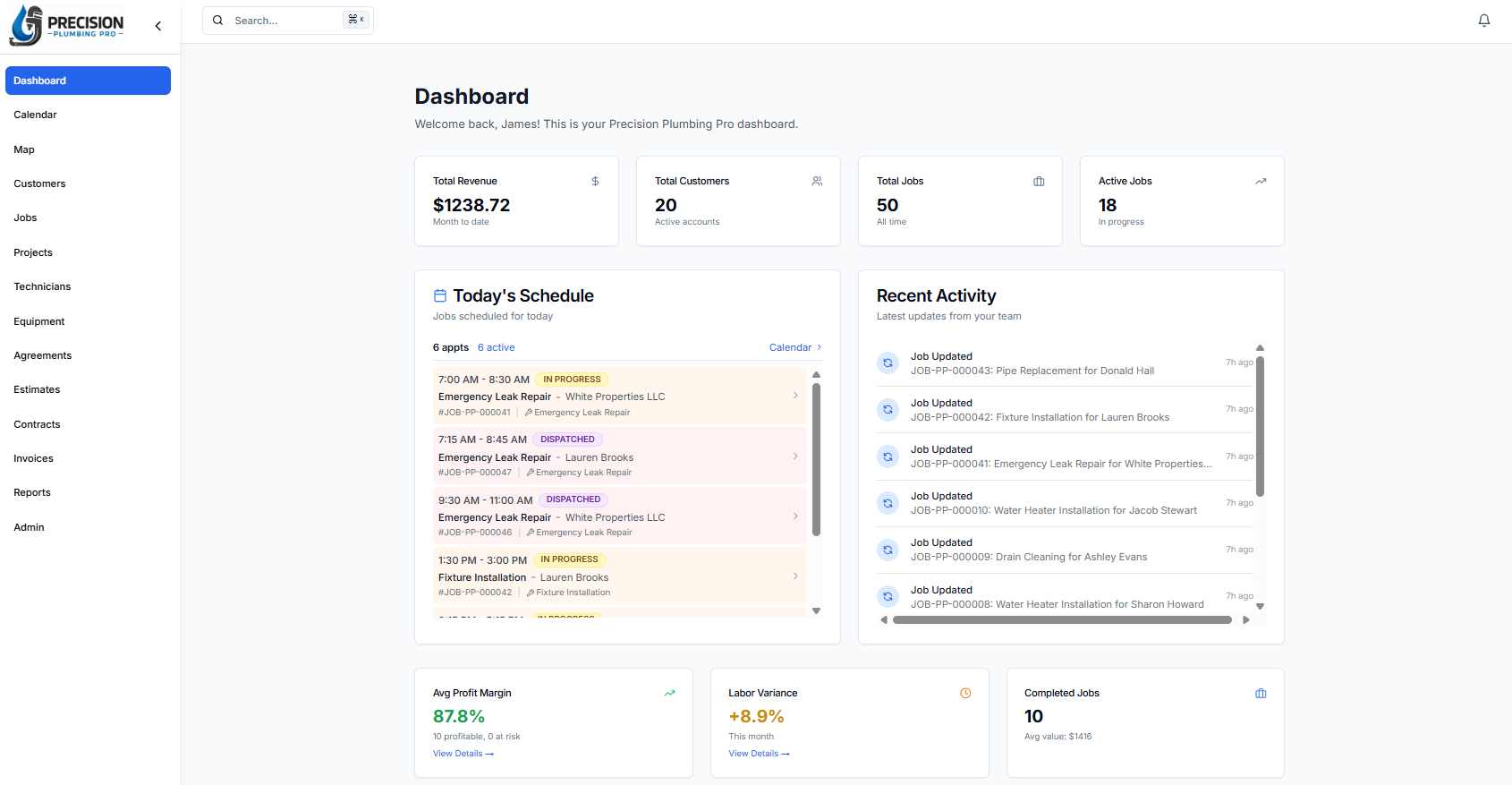
See completed jobs, outstanding invoices, and tomorrow's schedule from the dashboard. Time entries and revenue are already logged.

DashboardAnalytics
Mobile-First

Your office is your truck. Pillar works there.

Pillar is a Progressive Web App -- install it directly to your phone home screen. No app store needed. Access your schedule, create quotes, send invoices, and track time from anywhere with a connection.

Install to home screen
Works on any device
Offline caching
Home screen shortcuts
No app store needed
Full-screen standalone

Built for solo budgets

The Pro plan gives you scheduling, estimates, invoicing, customer management, time tracking, and a customer portal for one straightforward price. No hidden fees, no per-feature charges.

$99/month

+ $49/user beyond the first

View Full Pricing14-day free trial
Jobs & SchedulingEstimates & InvoicingCustomer PortalTime TrackingEquipment RecordsStripe PaymentsSMS NotificationsPrice Book

Stop managing your business from a notepad

See how Pillar works for a solo operation. We will walk through your actual workflow -- not a generic demo.