Security
Who can see your data, what protects it, and how you take it with you if you leave.
Ask any software vendor these same six. If the answers each take a paragraph, that is an answer too.
One more, and it is not a “no”: Pillar personnel can access data held in the platform, for support, troubleshooting, and security work. Section 4.2 of the privacy policy spells out who, when, and why.
Everyone on your team signs in with a role. The limits are checked by the software on every request, not by a settings page somebody forgot to tick.
| Role | See the schedule | Create jobs | Export data | Change billing | See internal notes |
|---|---|---|---|---|---|
| OwnerThe business | Yes | Yes | Yes | Yes | Yes |
| DispatcherThe office | Yes | Yes | Yes | No | Yes |
| TechnicianThe field | Yes | No | No | No | No |
| CustomerThe portal | Their own visits | No | No | No | No |
Technicians can see the company schedule. They cannot create jobs, run an export, or read a note marked internal.
A customer login opens the portal and nothing else. It cannot reach the office side of Pillar.
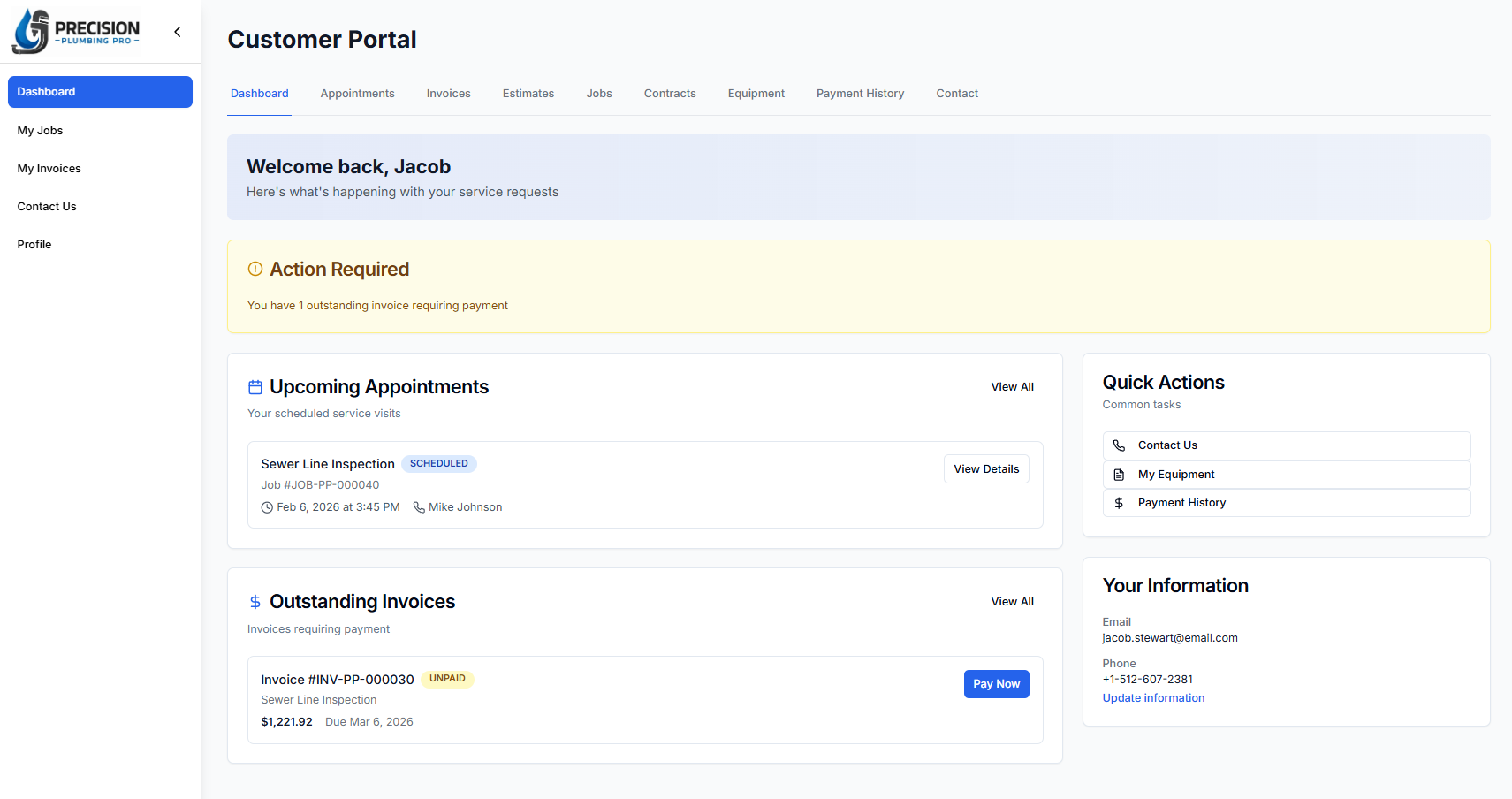
One customer's view of your business. Their visits, their invoices, and their own contact details.
Plain words on purpose. None of this is a setting you have to go find.
Stored scrambled, one way. Nobody at Pillar can read it or email it back to you.
Kept in secure browser cookies that page scripts cannot read, and they expire on their own instead of staying live forever.
Everything between your device and Pillar travels over an encrypted connection.
Your QuickBooks and Google Calendar connections are stored encrypted.
Handled by Stripe from your customer's screen to the bank. Card numbers never land on a Pillar server.
A running record of who did what and when inside your account, kept 90 days, on every account.
Export is built into the product on every account, including the free one. You do not have to call anyone and you do not have to explain yourself.
Drop your paid seats back to one person and the account keeps working. Your records stay put.
The export screen. Owners and dispatchers can run it, in CSV or a spreadsheet file, as often as they like.
It depends on the vendor, so ask three things: is my company walled off from every other company, who on my team can see what, and can I export everything and leave. This page answers all three for Pillar.
The account keeps working with one person on it, at the one-person limits. Your records are not deleted, and you can export everything before, during, or after.
Customers, open invoices, and your price book at minimum. Pillar imports them from a spreadsheet on any account, up to 100,000 rows per file, and an import can be rolled back if the mapping goes wrong.
No. Isolation between companies, role limits, and encrypted connections are not settings. They are how every account works from the first sign-in.
The owner. Adding a person, removing one, and anything that changes the bill are owner-only, and the new monthly total is shown before it is confirmed.
Something not covered here? Ask us directly →
Every screen on this page is in the free account, and it needs no card to open.
No card. No contract. No sales call.